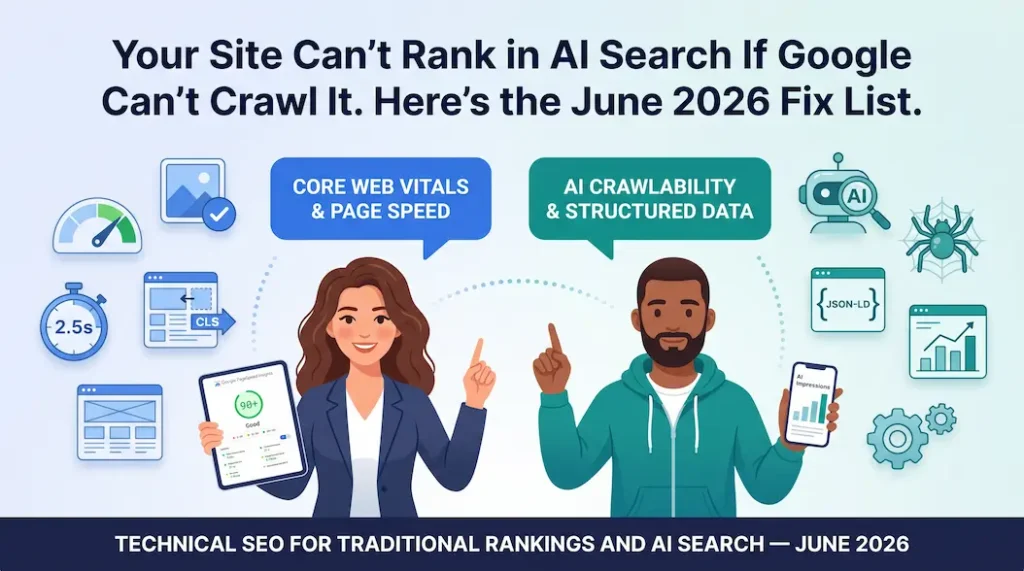
Your Site Can’t Rank in AI Search If Google Can’t Crawl It (Here’s the June 2026 Fix List)
Technical SEO is the foundation on which every other SEO tactic rests, and in 2026, it does double duty. Google’s own documentation states that a page must be indexed and eligible to appear in Search before it can appear in any generative AI feature. No crawl, no ranking. No ranking, no AI Overview. It’s that sequential.
I’ve audited sites that had brilliant content, solid backlinks, and zero AI visibility because their core technical setup was quietly blocking the very systems trying to quote them. That’s the most frustrating kind of problem to have. Let’s make sure you’re not sitting on one.
What does “technical SEO” actually mean in 2026, and has it changed?
Technical SEO is the practice of making your website easy for search engines and AI systems to find, read, understand, and index and in 2026, it means optimizing for five crawlers, not just one.
A few years ago, technical SEO meant satisfying Googlebot. Full stop. Make the site crawlable, fix broken pages, load fast, done.
That job description has expanded. According to Roast Web’s 2026 analysis, AI agents now drive 33% of organic search activity, and your site is now being evaluated by Google Search, Google AI Overviews, Perplexity, ChatGPT Search, and Claude Search simultaneously. If your technical foundation is weak, you’re not failing one system. You’re failing all five.
The core technical SEO pillars haven’t changed. The stakes attached to each one have.
The 2026 technical SEO stack in priority order:
- Crawlability: Can all five major search systems access your content?
- Indexability: Are your important pages indexed and your duplicate/thin pages excluded?
- Core Web Vitals: LCP, CLS, and INP all within Google’s “Good” thresholds
- Rendering: Is your main content in rendered HTML, not hidden behind JavaScript?
- Structured data: Are your entities, products, and content types machine-labelled?
- Search Console baseline: Do you have AI impression data recorded from day one?
Why do Core Web Vitals still matter, and what changed with INP?
Core Web Vitals still directly impact rankings, and since March 2024, the metric that catches most sites off guard is INP (Interaction to Next Paint), which replaced First Input Delay (FID).
Let me be direct about something first: only 47% of websites currently meet Google’s “Good” thresholds for all three Core Web Vitals (corewebvitals.io, March 2026). That means more than half of sites are leaving ranking performance on the table because of page speed and responsiveness issues, before content quality even enters the picture.
Here are the three targets every page needs to hit at the 75th percentile of real users:
| Metric | What It Measures | Good Threshold | Common Failure |
|---|---|---|---|
| LCP (Largest Contentful Paint) | How fast the main content loads | < 2.5 seconds | Uncompressed hero images, slow server response |
| CLS (Cumulative Layout Shift) | How stable the page is as it loads | < 0.1 | Ads, embeds, or fonts loading without reserved space |
| INP (Interaction to Next Paint) | How fast the page responds to taps and clicks | < 200ms | Heavy JavaScript, third-party scripts blocking the main thread |
INP is the one I see failing most in audits right now. It replaced FID in March 2024, and most dev teams haven’t caught up. FID measured the delay before a browser starts responding. INP measures the full response time from tap to visual feedback, every interaction on the page, not just the first one. It’s stricter. It catches more real-world problems.
The practical fix for most sites is to audit your third-party scripts. Tag managers, chat widgets, social embeds, and ad scripts are the single biggest INP killers I find in audits. Remove what isn’t essential. Defer what is.
POV: Run your top five pages through Google PageSpeed Insights (pagespeed.web.dev) right now. Sort results by INP. Any score above 500ms is a red flag; fix those pages before anything else.
Use WebP or AVIF image formats, compress images below 150-200 KB, and lazy-load below-the-fold images. One important exception is to never lazy-load your LCP image. That’s the main image Google uses to score your LCP, and lazy-loading it tells the browser to delay loading the exact element being measured.
Does JavaScript hurt AI crawlability, and what should I do about it?
Yes, content that only appears after JavaScript executes is often missed by AI crawlers, so it doesn’t appear in AI-generated answers.
This is the technical issue I see most often with modern e-commerce and SaaS sites. The site looks beautiful in a browser. Product descriptions, specs, and prices are all visible to a human. But when Google’s AI crawler visits, those elements are loaded by React or Vue after the initial HTML is delivered. The crawler doesn’t wait. It reads the initial HTML, sees a skeleton, and moves on.
Google’s own AI optimization guide is explicit: AI models use publicly accessible, crawlable content to learn patterns and provide relevant, grounded responses. If your content requires JavaScript to render, it’s not reliably crawlable by AI systems.
Here’s something I saw first-hand during a technical audit for an e-commerce client running a Next.js storefront. Their product descriptions were loading client-side. Their prices were being injected by a JS-based pricing API. Their stock status was a React component. Three of the most critical pieces of product information, the exact things Universal Cart needs to function, were invisible in the initial HTML response. They had no AI Overview citations on any product-category query. The content wasn’t the problem. The rendering was.
Rendering decisions by framework, what I recommend in 2026:
| Framework | Recommended Rendering | Why It Works for AI Crawlability |
|---|---|---|
| Next.js | SSG (static) or SSR (server-side) | Content in the initial HTML response |
| Nuxt.js | SSR or SSG | Same, Nuxt makes this straightforward |
| React (CRA) | Migrate to Next.js or add SSR | CRA is client-side only, bad for crawlers |
| Vue.js | Nuxt.js with SSR/SSG | Pure Vue SPA renders client-side only |
| WordPress | Default (server-rendered) | Already AI-crawlable by default |
The rule is simple: core content, especially price, availability, product specs, and main body text, must exist in the raw HTML that a crawler sees before any JavaScript runs.
How do I use Google Search Console to track AI performance in June 2026?
Set up and record your AI impressions baseline now, Google’s new Generative AI Performance Reports launched in June 2026, and there is no historical data before May 18, 2026.
Google announced the new Search Generative AI Performance Reports on June 3, 2026, dedicated reports inside Search Console that show your impressions within AI Overviews, AI Mode, and Discover’s generative features. This is the first time site owners have had direct, attributable data from Google on AI visibility.
The catch: there is no backfill before May 18, 2026. If you don’t record your baseline the moment you get access, you have no historical comparison point. Every day you wait is data you can never recover.
What to do in Search Console right now:
- Access the new Generative AI reports: go to Search Console → Search Results → filter by Search Appearance → Generative AI Features
- Record your baseline: export your impressions, clicks, and CTR for the AI Overview report on day one of access
- Run a pre/post comparison for the May 2026 core update, comparing the two weeks before and after May 2026 using the date range comparison tool
- Cross-reference with GA4: match your Search Console AI impressions against your GA4 LLM/AI Traffic channel to separate zero-click AI exposure (impressions only) from actual referral traffic
- Set up a monthly export cadence: AI impression data changes fast; monthly snapshots let you track the trajectory
The distinction between impressions and clicks matters here. An AI Overview impression means Google showed your content inside an AI-generated answer. A click means the user followed a citation link to your site. Many high-value AI Overview appearances generate zero clicks the AI answered the question completely. But the impression still signals trust, brand exposure, and topical authority. Both metrics matter for different reasons.
POV: In Search Console, go to Performance → Search Results → Compare dates: set one range to the 28 days before May 1, 2026 and one range to the 28 days after. Sort by “Clicks Difference” descending. Pages with the biggest drops are your May 2026 core update casualties. Prioritize those for content and technical review.
What are most SEOs getting wrong about technical SEO and AI in 2026?
Most SEOs treat technical SEO and AI optimization as separate workstreams, even though the technical issues that hurt traditional rankings are often the same ones that block AI citations.
I see this constantly. A team runs a technical audit, fixes crawl errors and speed issues for “SEO,” then starts a separate “AI visibility” project, restructuring content, adding schema, and building answer capsules. Both projects are necessary. But they’re not independent.
Duplicate content is a perfect example. Teams often deprioritize it because it feels like a low-urgency issue. But duplicate content wastes crawl budget, degrades indexation quality, and gives AI systems conflicting signals about what your canonical content actually says. According to Google’s AI optimization guide, reducing duplicate content is explicitly listed as a prerequisite for AI feature eligibility, not a nice-to-have.
Structured data is another. I still audit sites where structured data validation errors have been sitting in Search Console for months, flagged but unresolved. Every error is a signal that your entity information is unreliable. AI systems use structured data to verify factual claims about products, businesses, people, and content. An unresolved error on your Product schema isn’t a minor issue. It’s a gap in the trust signal the AI uses to decide whether to cite you.
The honest truth: in 2026, technical SEO is AEO infrastructure. Fix the foundation, and the AI visibility work becomes dramatically more effective. Skip the foundation, and you’re trying to win a Formula 1 race with a blocked fuel line.
If you want a technical SEO audit focused on both traditional rankings and AI crawlability, connect with me on LinkedIn. This is exactly the kind of work I do for e-commerce, real estate, and commercial service clients.